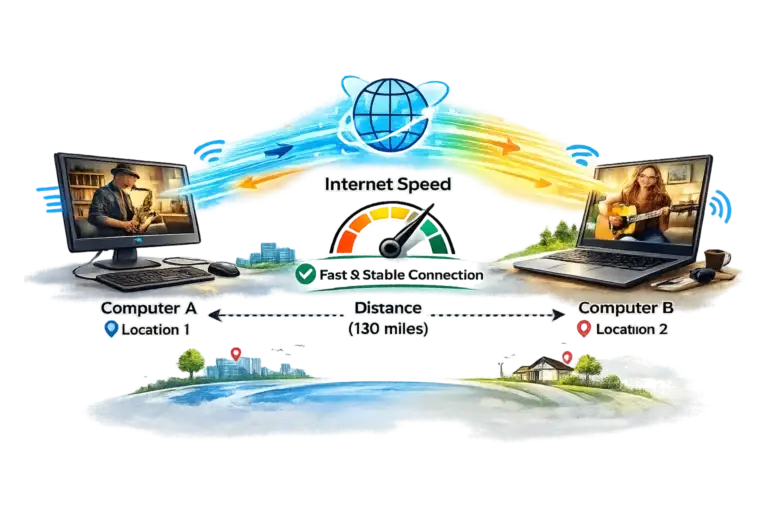
Within a 1,000 mile radius of Boston, MA band members will have lower latency (delay) online and at 1,500 miles, latency is higher and more noticeable.
While you don’t need to leave your home to participate in the All Ages All Stages Band, you will need some equipment. A basic set up includes:
A laptop or desktop computer is required. (Apple, Windows and Linux) Linux computer requirements are similar to Apple. We don’t support Chromebooks, tablets or phones except for Windows tablets with intel processors.
Mac users need to be running at least macOS 10.13 High Sierra or higher.
An audio interface is not required.
Windows users need to be running at least Windows 10 or higher.
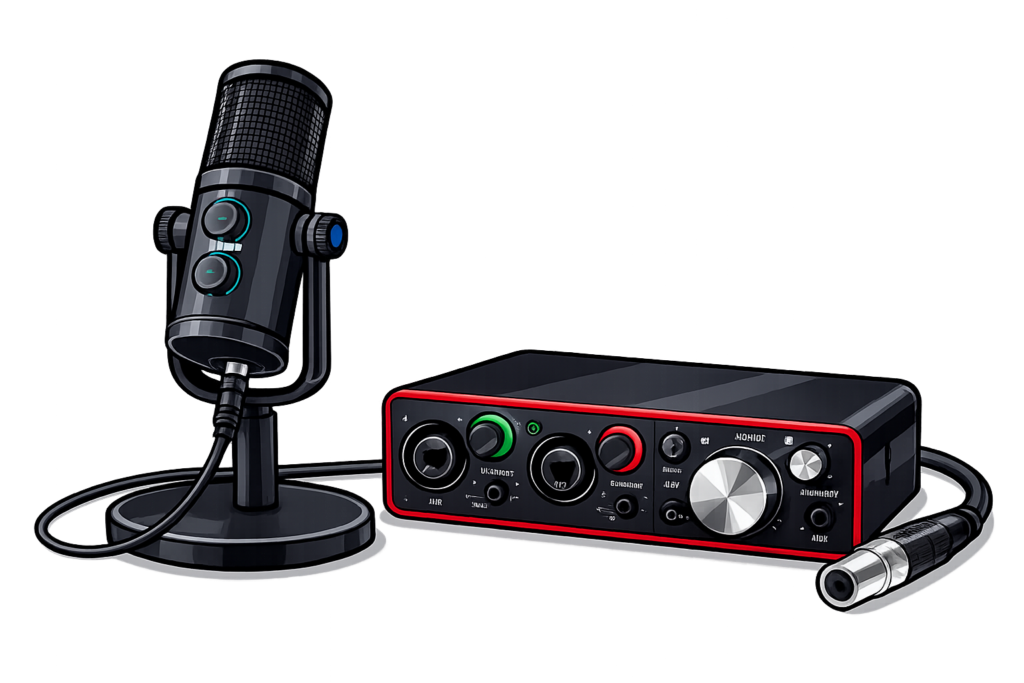
An audio interface or USB microphone is recommended.
There is an amazing app that makes playing music with others online possible called FarPlay.
FarPlay setup requires a Mac or Windows computer. Phones and tablets aren’t supported for rehearsals (yet). You can install the FarPlay App on Mac/Windows PC by clicking here:
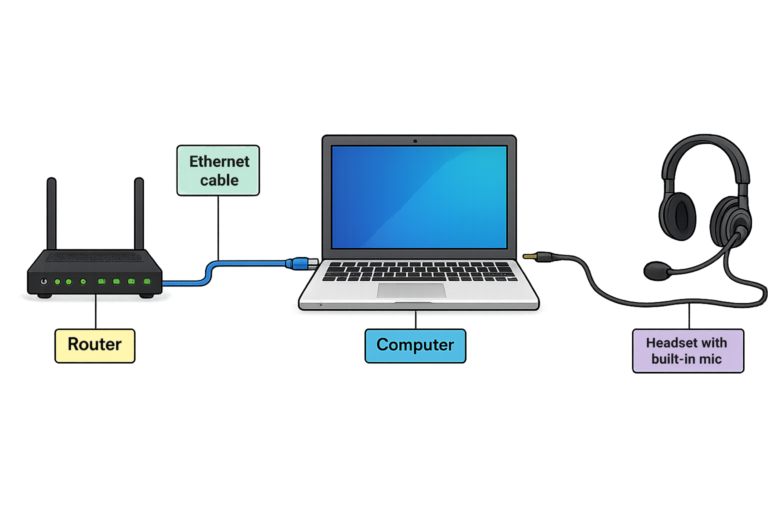
Why do I need an ethernet cable connection and wired headphones?
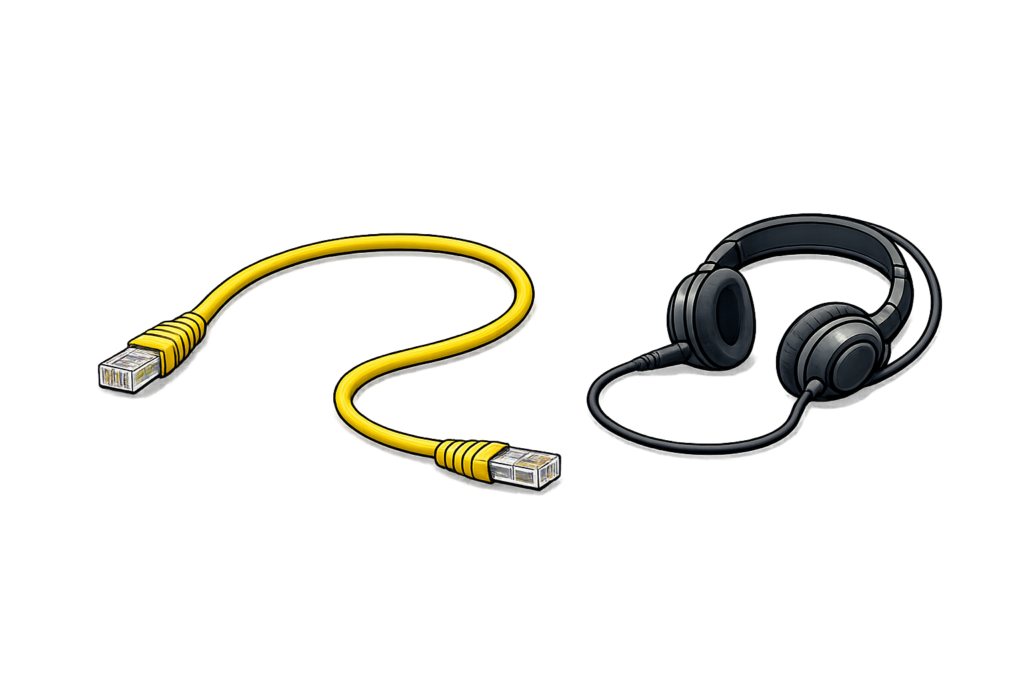
In order to play music in synch with others online, an ethernet cableconnection and a wired headset w/mic help to limit the amount of delay between band members. Fiber internet is preferred but cable works. An upload speed of 35 Mbps or more is highly recommended. Test your upload speed here.
We recommend that Windows PC users use an audio interface or a USB microphone for the best experience. Click on buttons to recommended items.
The best possible resource for your setup is the FarPlay website. Visit the FarPlay website to follow their easy step by step guide to get started today!